
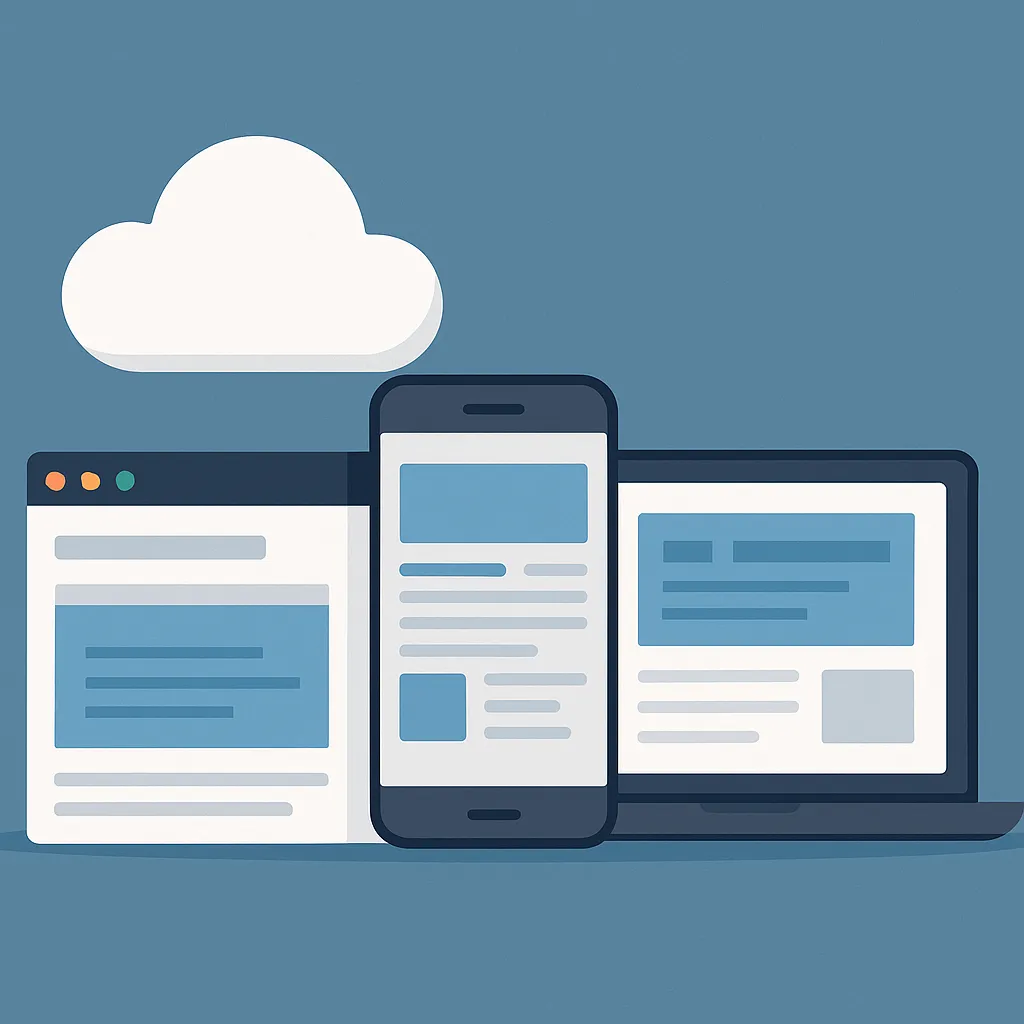
Cloud, Mobile, or Desktop? Choosing the Best Platform for Your Custom App
When you invest in custom software, one of the biggest decisions you’ll make is which platform to build it on. Should your app live in the cloud, on mobile devices, or on desktop computers?
Each option comes with its own benefits, challenges, and ideal use cases. The key is finding the platform that best matches how your team and customers actually work.
Let’s break it down in simple terms so you can choose the right path for your business.
1. Understanding the Platforms
Before comparing, here’s what each one really means:
Cloud apps run on the internet and can be accessed through a browser from any device. Examples: Google Workspace, Salesforce, or Lead Connector CRM.
Mobile apps are designed for smartphones and tablets, offering on-the-go functionality through iOS or Android.
Desktop apps are installed directly on your computer and often used for specialized or heavy-duty tasks, like design or data management.
All three can be powerful — the best choice depends on your business goals, user habits, and technical needs.
2. Cloud Apps: Flexible and Accessible from Anywhere
Cloud software is becoming the go-to solution for most modern businesses — and for good reason.
Pros:
Accessible from any device with an internet connection
No need to install or update software manually
Scales easily as your business grows
Encourages collaboration across teams and locations
Cons:
Requires reliable internet access
May have ongoing hosting or subscription costs
Security depends on proper encryption and user permissions
Best for:
Businesses that rely on remote teams, frequent collaboration, or constant data syncing — like CRMs, project management platforms, and accounting dashboards.
If your team moves fast and needs access anywhere, cloud is often the best choice.
3. Mobile Apps: Power in Your Pocket
Mobile apps give users convenience and speed. They’re ideal when tasks need to be done on the go or when notifications and quick interactions matter.
Pros:
Perfect for employees or customers who work remotely
Instant access with just a tap
Can use phone features like GPS, camera, and push notifications
Great for customer engagement and loyalty programs
Cons:
Screen size limits what you can display
More complex development (iOS + Android)
Updates must be approved by app stores
Requires design that adapts to touch interfaces
Best for:
Field teams, service-based companies, and customer-facing apps (like booking, delivery, or communication).
If your users live on their phones, a mobile-first app is the way to go.
4. Desktop Apps: Speed and Power for Intensive Work
While desktop software might sound old-fashioned, it’s still essential in industries that need power, precision, and offline functionality.
Pros:
Faster performance for data-heavy tasks
Works without an internet connection
Highly customizable for complex workflows
Ideal for specialized hardware or internal tools
Cons:
Must be installed manually on each device
Updates and support take more effort
Limited remote accessibility
Best for:
Organizations that require deep control, advanced tools, or offline access — like engineering firms, design studios, or internal company systems.
If your work depends on complex tasks that demand power and stability, desktop apps remain unmatched.
5. The Rise of Hybrid and Cross-Platform Solutions
The good news? You don’t always have to choose just one. Many companies now use hybrid solutions that combine the best of multiple platforms.
For example:
A cloud-based system that syncs with a mobile app for field workers.
A desktop dashboard that connects to the cloud for data backups.
A mobile interface for customers paired with a web admin portal for your staff.
Modern frameworks like React Native and Flutter make it easier (and more affordable) to build apps that work across devices while maintaining a consistent experience.
6. Factors to Consider When Choosing Your Platform
When deciding between cloud, mobile, or desktop — or a mix — focus on these five questions:
Who will use the app?
Employees, customers, or both?Where will they use it?
In the office, on-site, or while traveling?What kind of data will it handle?
Light information or large files that need fast processing?What’s your budget and timeline?
Cloud and hybrid options usually offer faster development and easier updates.How will the app evolve over time?
Choose a platform that scales with your business rather than limits it.
Your development partner should walk you through these questions — not just quote you a price.
7. The Best Platform Is the One That Fits Your Business
There’s no one-size-fits-all answer. The right platform is the one that supports your business model, goals, and growth plan.
Want mobility and flexibility? Go cloud or mobile.
Need heavy-duty performance? Go desktop.
Want the best of all worlds? Go hybrid.
By aligning the platform with how your team works and what your customers expect, you’ll build software that doesn’t just run — it wins.
5 FAQs
Q1: How do I know which platform is right for my business?
A: It depends on your workflow, user base, and budget. Our team can help you evaluate the best option for your goals at CLR Solutions.
Q2: Can I build software that works on multiple platforms?
A: Yes — hybrid development allows you to run one system across web, mobile, and desktop with shared code. Learn how at CLR Solutions.
Q3: Is a mobile app necessary if I already have a cloud platform?
A: Not always, but a mobile app can boost engagement and convenience. We’ll help you decide what fits your audience best at CLR Solutions.
Q4: Which platform is most cost-effective long term?
A: Cloud-based systems often provide the best value due to lower maintenance and easy scalability. Get a tailored estimate at CLR Solutions.
Q5: Can I start on one platform and expand later?
A: Absolutely. Many businesses start with a web or cloud version and add mobile or desktop components later. We can design with that growth in mind — visit CLR Solutions.