
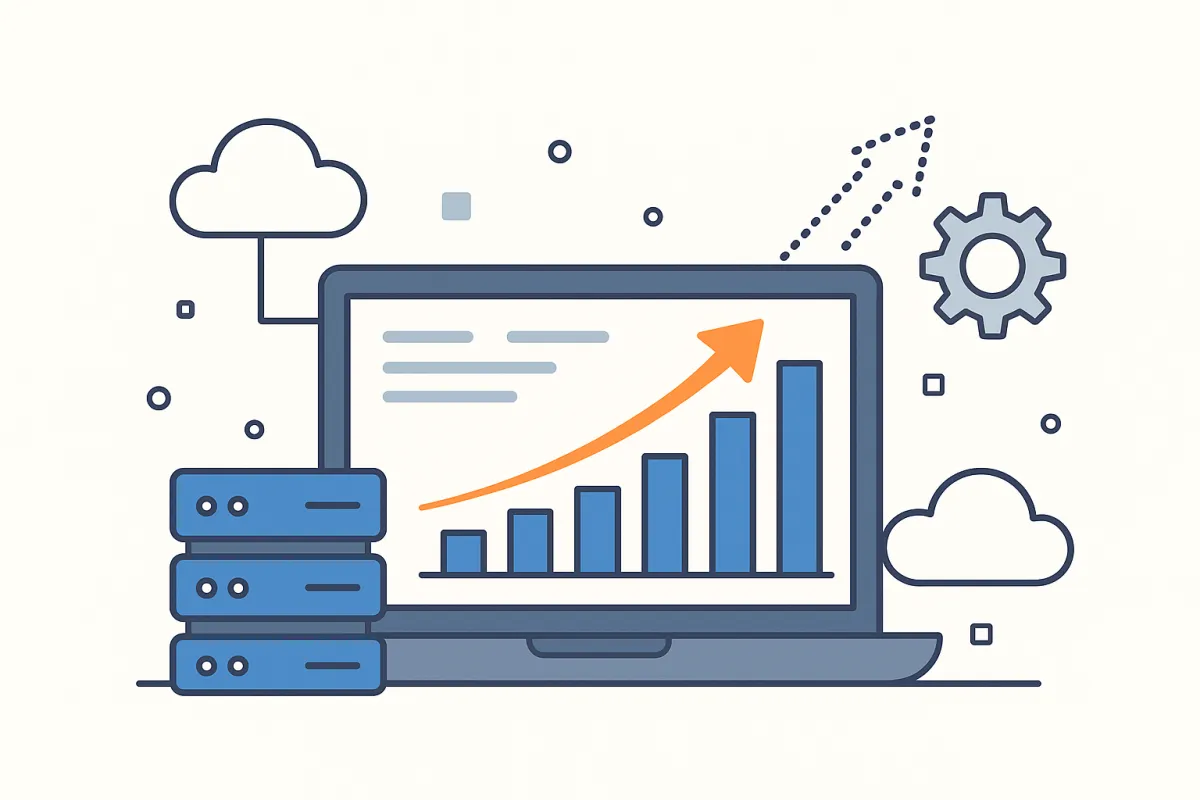
Future-Proofing Your Business with Scalable Software Design
In business, growth is the goal — but if your software can’t grow with you, success can quickly turn into stress. Many companies start with systems that work for a few customers or small teams, only to find themselves struggling when demand increases.
That’s why scalable software design is one of the smartest investments you can make. It’s about building technology that doesn’t just meet your needs today, but also adapts to tomorrow’s challenges — without expensive rebuilds or downtime.
1. What Does “Scalable Software” Actually Mean?
Scalable software is designed to handle increased demand without losing performance.
For example, imagine your business doubles in size — more users, more data, more transactions. If your system is scalable, it can adjust smoothly without crashing, slowing down, or requiring a total overhaul.
In simple terms:
Scalable software grows with your business, not against it.
This flexibility gives you the power to innovate faster, serve more customers, and stay ahead of competitors.
2. Why Scalability Matters More Than Ever
The world of business changes fast — new technologies, new customer expectations, and new competitors appear constantly.
If your systems are rigid, every change becomes a headache. But scalable software allows you to:
Add features without rewriting the entire codebase
Expand to new locations or markets easily
Handle traffic spikes (like busy sales seasons)
Keep your team productive even as your user base grows
In short, scalability protects your investment. Instead of rebuilding every few years, you can simply upgrade and adapt — saving time and money.
3. The Hidden Costs of “Outgrown” Software
Many companies use systems that once fit perfectly but now hold them back. Signs your current setup isn’t scalable include:
Frequent slowdowns or errors as more users log in
Difficulty adding new features or integrations
Rising costs just to maintain performance
Employees relying on workarounds or manual fixes
Every minute spent fixing outdated software is a minute not spent growing your business.
Scalability ensures your technology remains an asset, not a burden.
4. The Core Elements of Scalable Software Design
To future-proof your business, scalable software should include these essential design principles:
A. Modular Architecture
Modular software is built in independent “blocks” or components. That means you can upgrade one part (like billing or user management) without disrupting everything else.
B. Cloud Infrastructure
Cloud-based systems automatically scale resources — like storage and bandwidth — when demand increases. It’s flexible, cost-efficient, and ideal for growing businesses.
C. API Integrations
APIs (Application Programming Interfaces) let your software connect with other systems easily — CRMs, payment processors, marketing tools, and more.
Think of APIs as digital bridges that make your tech ecosystem smarter and more adaptable.
D. Automation and Data Management
Scalable design includes smart automation and database structures that can handle larger datasets efficiently, ensuring performance stays strong as your business expands.
5. How Scalable Design Supports Innovation
When your software is built to scale, it becomes a foundation for innovation. You can test new ideas faster because your system is flexible enough to handle change.
For example:
Want to launch a new product line? Your CRM and billing system adjust automatically.
Expanding internationally? Your software supports new currencies, languages, and tax settings.
Adding AI features? Your infrastructure can process and store the extra data load.
That’s the power of future-proofing — your growth doesn’t require starting from scratch.
6. How to Know if Your Software Is Scalable
Here’s a quick checklist to evaluate your current system:
Question
Yes / No
Can your system handle double the users or data without issues?
Can new features be added without breaking old ones?
Does your software integrate easily with third-party apps?
Can you monitor performance and scale automatically?
Is your database optimized for growth?
If you answered “no” to most of these, your business may benefit from a scalability upgrade or redesign.
7. Building Scalability from the Start
The best time to plan for scalability is before your system breaks.
Work with a development partner who understands both technology and business strategy. They should:
Use flexible frameworks and clean code
Plan for future integrations and automation
Prioritize performance monitoring and optimization
Design with user growth and data expansion in mind
That approach ensures your investment keeps paying off — not just for months, but for years.
8. The Long-Term ROI of Scalable Software
Scalable software saves money in three major ways:
Reduced downtime: Fewer crashes and errors mean more productivity.
Lower maintenance costs: Updates are simpler and less risky.
Faster innovation: You can launch new services without waiting for total rebuilds.
The result? You stay competitive, efficient, and ready for whatever’s next — whether that’s more customers, new markets, or advanced technology.
The Bottom Line
Scalable software isn’t about predicting the future — it’s about being ready for it.
When your systems can grow effortlessly with your business, you spend less time fixing problems and more time creating opportunities.
If your current setup feels like it’s holding you back, it’s time to future-proof your operations with scalable design.
5 FAQs
Q1: What does scalable software mean for a small business?
A: It means your systems can grow as your company does — more customers, more data, more employees — without breaking down. Learn more at CLR Solutions.
Q2: How do I know if my current software is scalable?
A: If it slows down, crashes, or limits your growth, it’s likely not scalable. We can evaluate your system and recommend improvements at CLR Solutions.
Q3: Is scalability expensive to build?
A: Not necessarily. Scalable design costs more upfront but saves thousands over time by reducing rebuilds and downtime. Get a tailored quote at CLR Solutions.
Q4: Can existing software be made scalable?
A: In many cases, yes! A skilled development team can refactor your code or move it to the cloud to improve performance. Learn how at CLR Solutions.
Q5: How does cloud technology help with scalability?
A: The cloud lets you expand storage and processing power instantly, only paying for what you use — perfect for growing businesses. Explore cloud options at CLR Solutions.